Clarify app logoClarify
Local-first privacyZero subscriptions

Clarify

Private native GTD for iPhone

Capture messy. Clarify once. Act with calm.

For solo operators scattered across brain dumps, Reminders, and Google Tasks—Clarify is the private on-device system that turns capture into clear next actions. Bridges stay bridges; Clarify is the system of record.

$0 Free Forever · One-time Lifetime Pro · Price shown in the App Store

100% on-device

No company server sees your tasks

Free Core always free

Essential GTD loop, forever

No monthly bill

Lifetime Pro unlock, one purchase

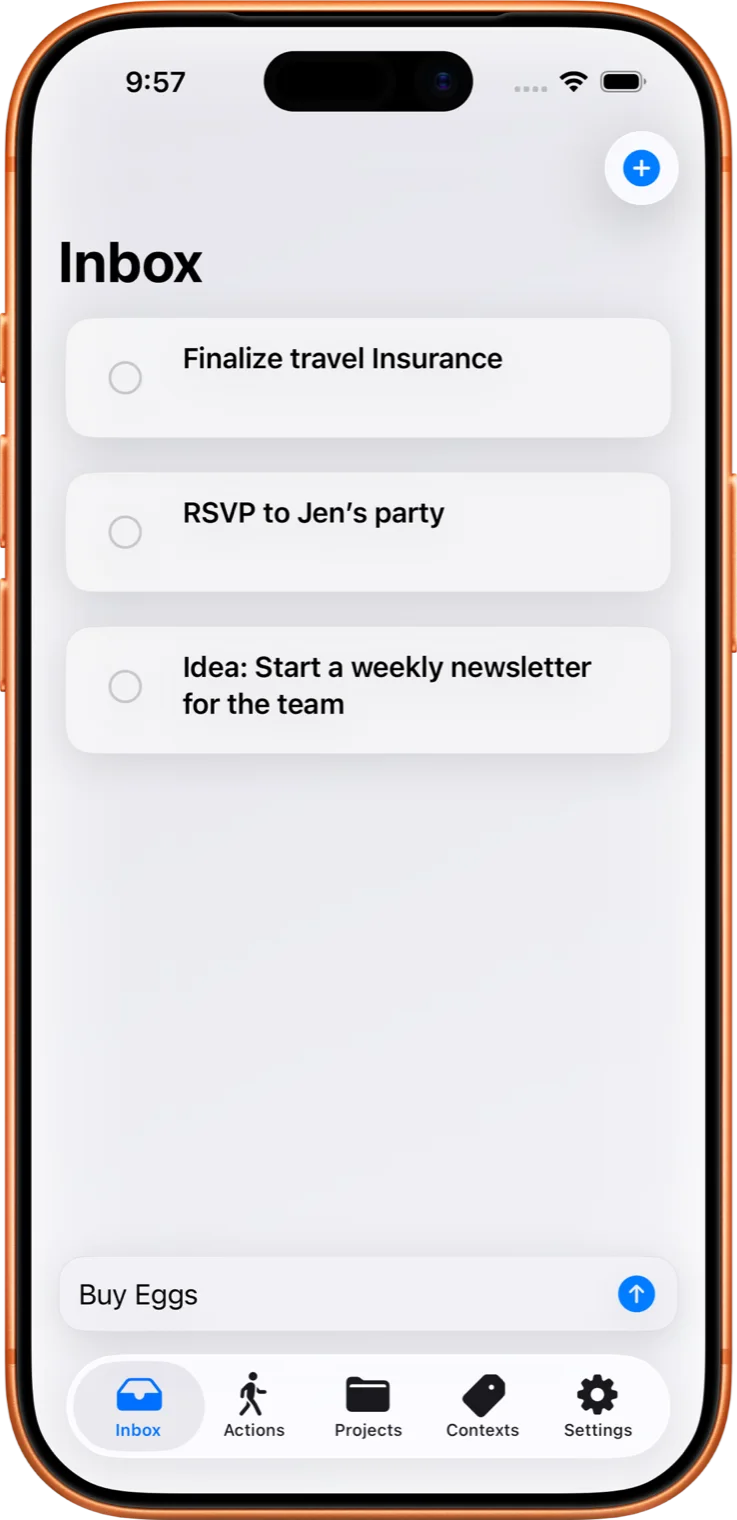
Clarify Inbox showing captured tasks ready to clarify into next actions

Capture → Clarify → Act

The rhythmic loop for solo operators who want a trusted system—not another noisy checklist.

GTD integrity, out of the box

Waiting For, Someday/Maybe, and Contexts are pre-baked—zero setup knobs, no 40 nested folders.

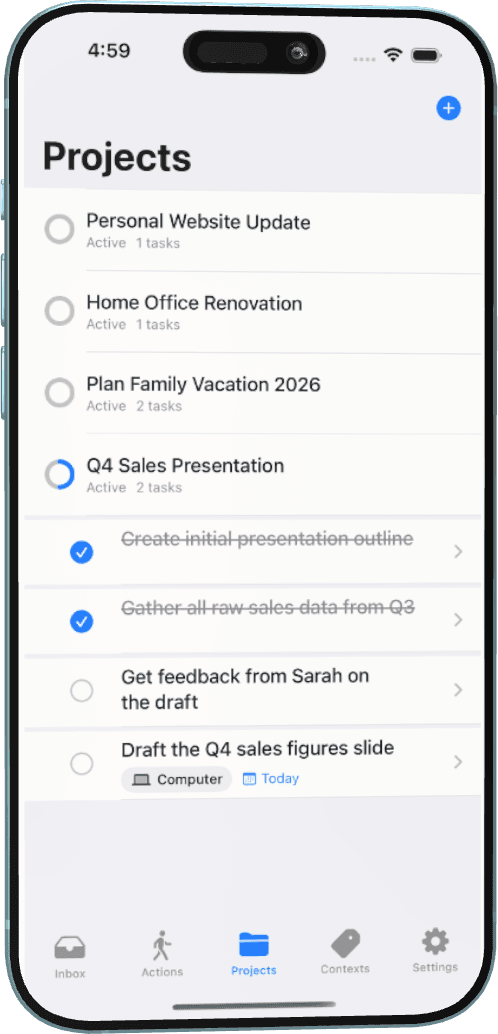
Clarify Projects organizing multi-step outcomes

Projects & Contexts

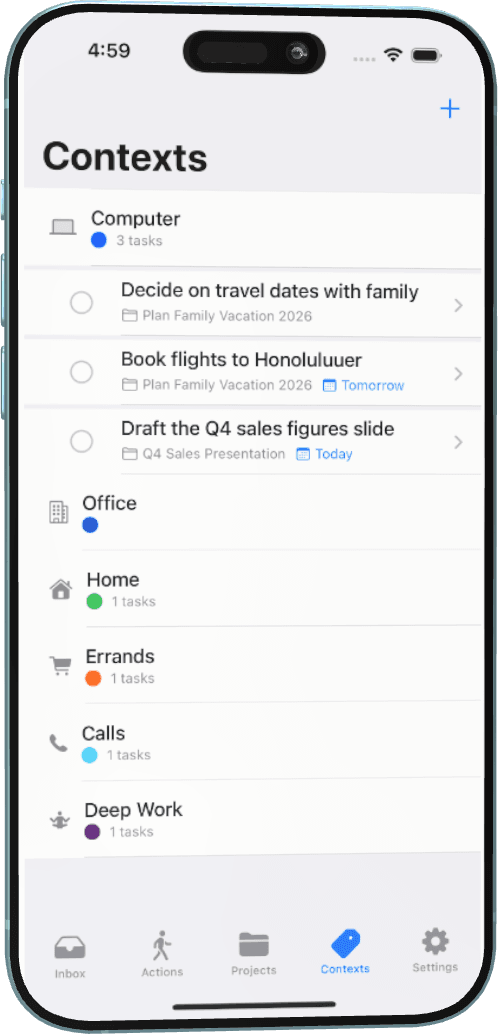
Multi-step outcomes stay together. Filter by where you are—@Calls, @Desk, @Errands.

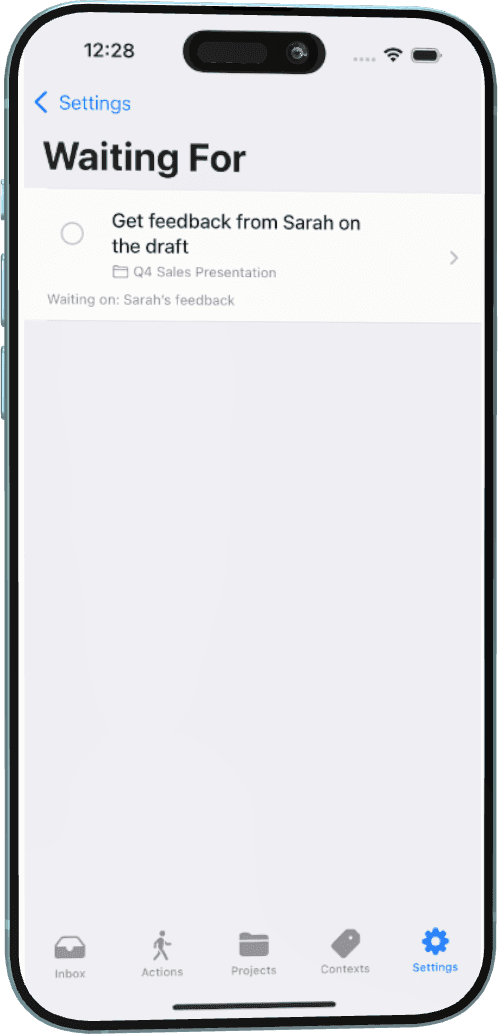
Clarify Waiting For list for delegated and pending items

Waiting For

Track delegated items and who you’re waiting on so open loops don’t live only in your head.

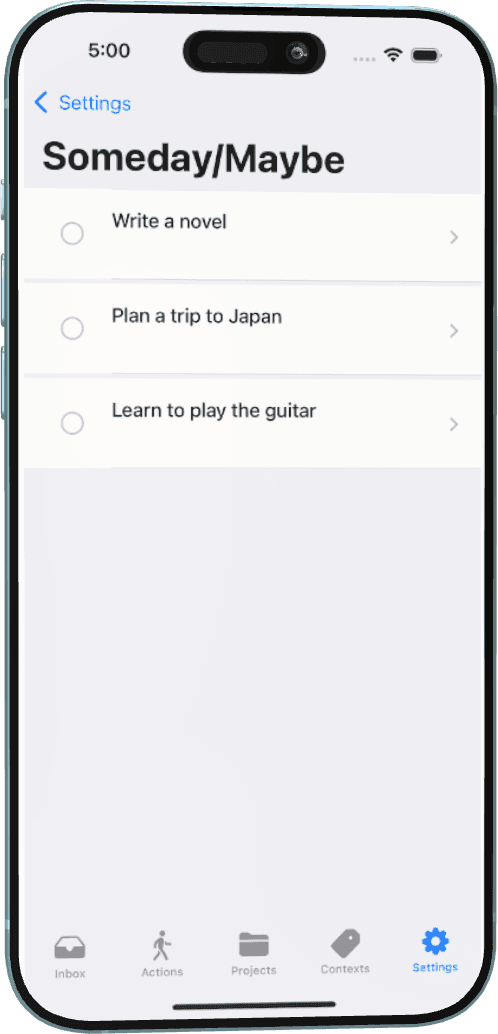
Clarify Someday Maybe list for parked ideas

Someday / Maybe

Park ideas that aren’t actionable yet without cluttering your Next Actions list.

Lifetime Pro

Focus sessions & Guided Weekly Review

When you’re ready to go deeper, Pro tools keep one action front and center—and the whole system current.

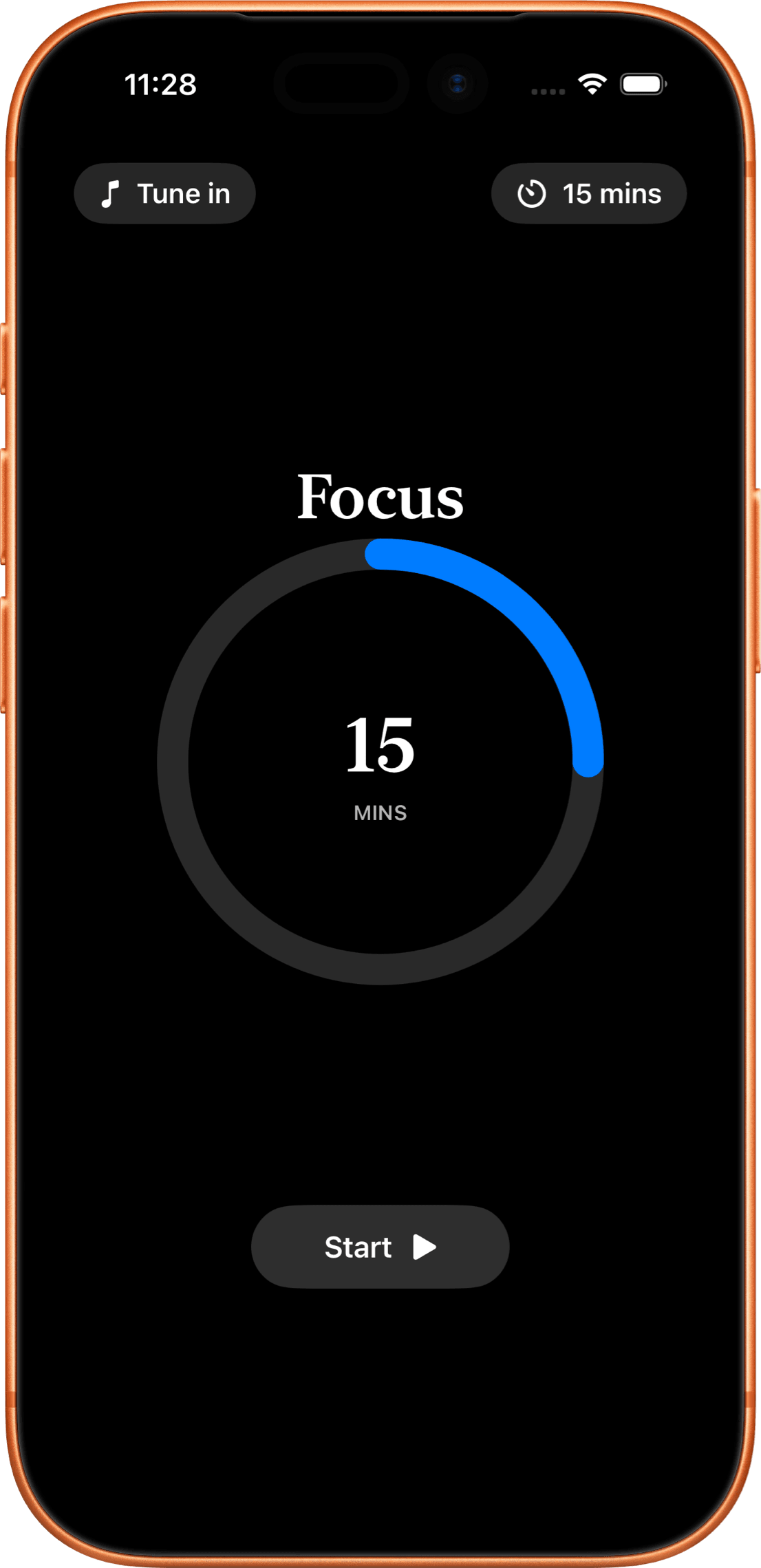
Focus + Dynamic Island

Start a timed Focus session from a task, with optional ambient audio and Live Activity—so one next action stays visible while you work.

Guided Weekly Review

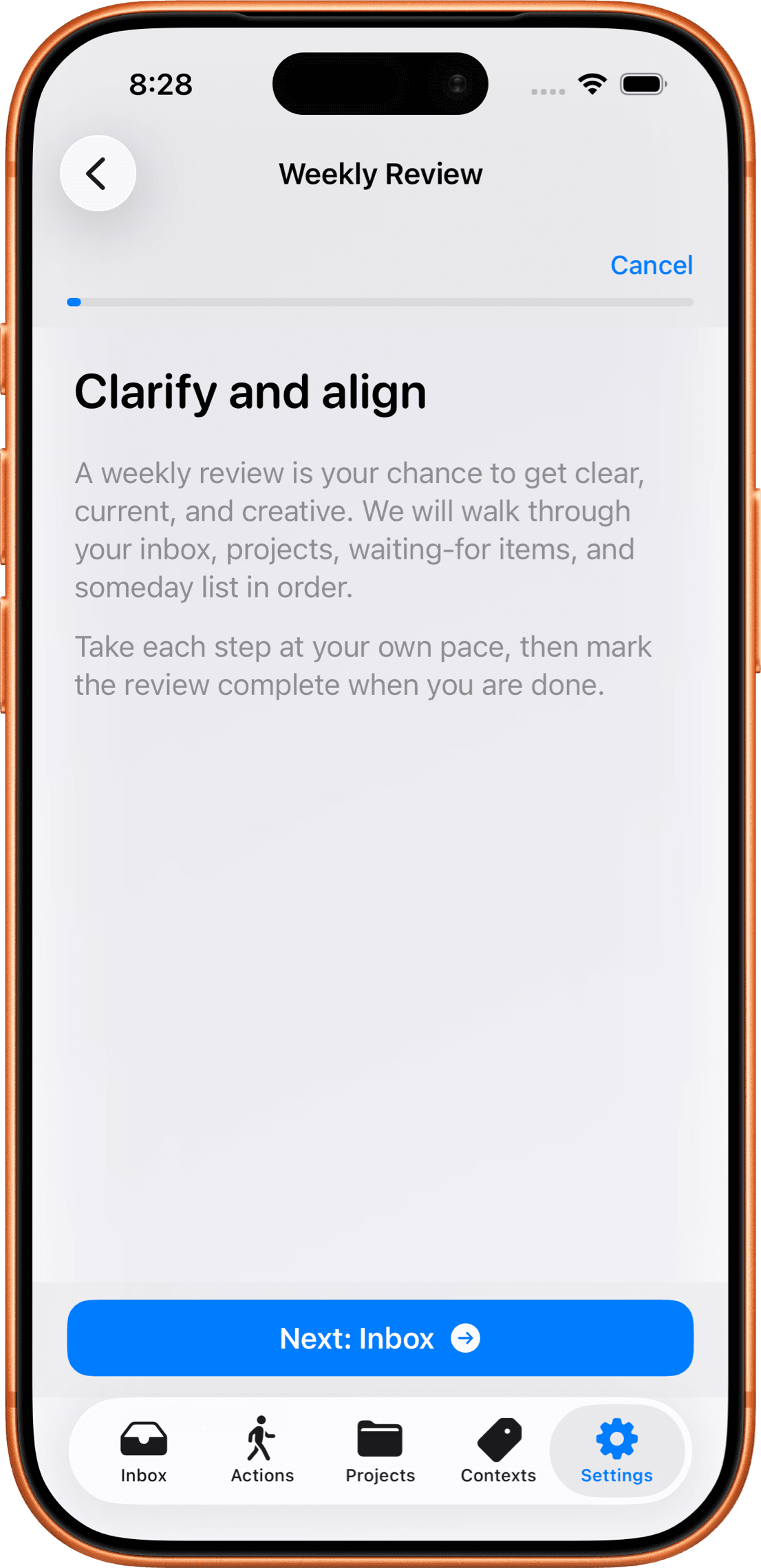
Walk Inbox, Projects, Waiting For, and Someday/Maybe with a guided checklist so nothing stale hides in your lists.

Clarify Focus session timer keeping one next action front and center
Clarify Weekly Review checklist covering Inbox, Projects, Waiting For, and Someday
Local-first guarantee

Private by default. Bridges, not replacements.

100% on-device storage. Optional private CloudKit sync. Zero third-party trackers. Reminders and Google Tasks feed your Inbox—Clarify remains the system of record.

  • ●On-device first — your tasks live on your iPhone until you choose to sync.
  • ●Optional iCloud sync — private CloudKit across your devices, under your Apple ID.
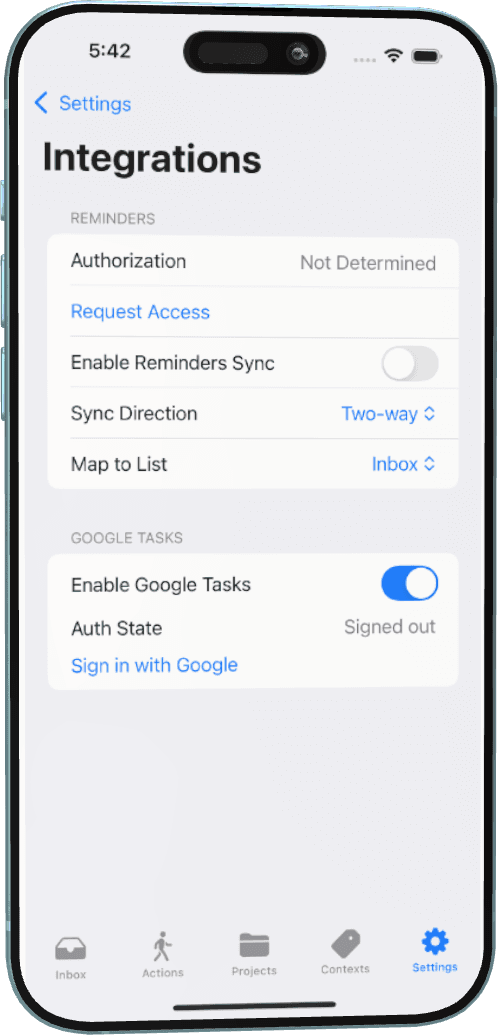
  • ●Apple Reminders — optional two-way bridge. Guide
  • ●Google Tasks — optional sync when capture already lives in Google. Guide
  • ●Siri & Shortcuts — capture and complete hands-free with App Intents.

Sync and integrations unlock with Lifetime Pro. Enable only what you need.

Clarify integrations settings for Reminders and Google Tasks
Clarify Contexts for filtering next actions by situation

Clear & honest pricing

Free core workflow for capture, clarify, and next actions. Lifetime Pro unlocks sync, bridges, review, Focus, and automation—one purchase, yours to keep. No subscription. No trial.

Free Core

$0

Forever yours

  • Inbox capture
  • Next Actions
  • Projects & Contexts
  • Waiting For & Someday/Maybe
  • Tags & task editor basics
Recommended

Lifetime Pro

One-time

Price shown in the App Store

  • Everything in Free
  • iCloud sync
  • Reminders & Google Tasks bridges
  • Focus sessions + Live Activity
  • Guided Weekly Review
  • Siri & Shortcuts
  • No subscription · Restore anytime

Start in five minutes

Skip the methodology dump. Capture three real tasks, clarify one into a Next Action, and work from Actions. Defer integrations until the loop feels useful.

Built for solo operators who want a trusted system.

I’ve founded a company, led large teams, and managed multi-million dollar projects. A clear capture-and-clarify loop was my lifeline—not another feature-packed todo list. I built Clarify for GTD-minded iPhone users who want privacy, native polish, and a calm path from brain dump to next action.

— Taric Andrade, Founder

Made with care in British Columbia, Canada.

Start clarifying your next actions.

Download Clarify from the App Store. Core workflow is free. Unlock Lifetime Pro anytime—one purchase, no subscription, no trial. Current price is shown in the App Store.

Prefer a guided start? First five minutes →

Requires iOS 17.5 or later